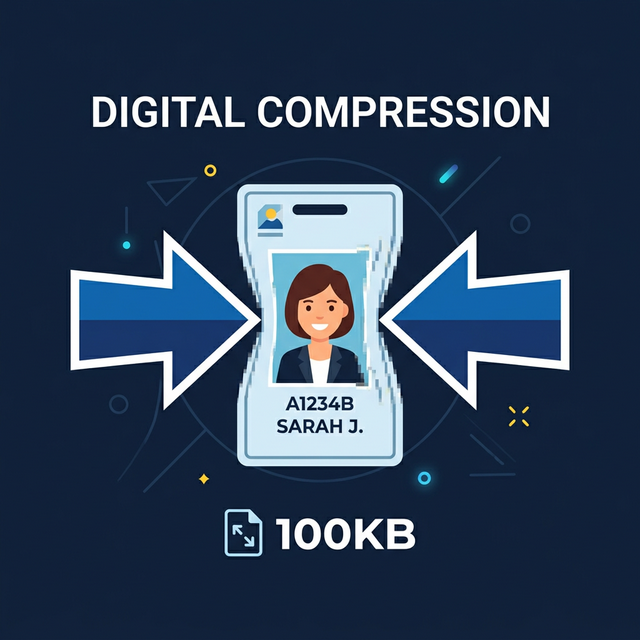
There is almost nothing more frustrating than spending hours filling out an extensive online application—whether for a job, a visa, or university admissions—only to be completely blocked at the final step by a glaring red error message: "File Too Large. Maximum upload limit is 2MB."
Modern smartphones routinely take 5MB+ portrait photos, and scanning a physical document frequently results in an unnecessarily bloated PDF file. Upload portals deliberately enforce these strict data caps to dramatically reduce their database hosting costs. Fortunately, shrinking your critical documents to fit these rigid technical requirements is surprisingly simple.
The Two Most Common Document Compression Scenarios
Different file formats require entirely different optimization strategies. When faced with an upload size limit, you are almost always dealing with one of these two formats:
Scenario 1: Uploading PDF Documents (Resumes, Contracts, Scans)
PDF documents often contain enormous hidden overhead, especially if they include high-resolution graphical elements, custom embedded fonts, or unoptimized data streams from physical document scanners. To properly compress a PDF, you need a tool that actively reconstructs the internal file structure to shed that excess invisible weight.
The Solution:
- Use our dedicated client-side Compress PDF tool.
- Upload your bloated PDF file.
- Select the appropriate compression strength (start with standard, and move to heavy compression if the portal limit is aggressively low, like 500KB).
- Download the significantly smaller result and seamlessly pass the upload hurdle without sacrificing text legibility.
Scenario 2: Uploading Image Documents (Headshots, Passports, Photos)
Uploading photographic ID or standard profile headshots to strict portals regularly fails because of the notoriously heavy data footprint of the modern JPG or HEIC format capturing 12+ megapixels of physical density. While some portals accept 5MB images, older government platforms famously cap file sizes to exactly 100KB or 200KB.
The Solution:
- Navigate explicitly to our Image KB Compressor.
- Upload your master headshot or ID scan.
- Type in the explicit exact KB limit the offending portal gave you (e.g., 100KB).
- Wait merely three seconds as the tool dynamically degrades the pixel bit-rate until the exact target weight is reached.
Protecting Highly Sensitive Documents During Compression
When resolving upload barriers for sensitive official documents—like your authentic passport, official financial bank statements, or intimate medical records—you must absolutely guarantee your personal data privacy is strictly protected.
Traditional online compression websites deceptively operate unencrypted cloud servers that permanently store your private uploads. To stop leaking your data to unknown remote organizations, you should exclusively use completely local, browser-based tools. A true local tool fundamentally guarantees your physical file bytes never legally leave your specific personal device. If you ever lose internet connection in the middle of a compression task, Imagetoolkit will continue to seamlessly work completely offline.
Quick Compression Checklist Before Uploading
- Format Check: Check whether the portal specifically requires a `.pdf` or a `.jpg`. Convert your file using a Converter if necessary structurally.
- Target Check: Look for the exact numeric size cap (like 1MB or 200KB). Keep a 5% buffer underneath that ceiling to prevent rounding errors.
- Legibility Check: Always quickly open your final compressed result before immediately submitting the application. Extreme compression can heavily distort numbers and thin letters. If it's completely unreadable, reduce your compression parameters and try again.
Useful Document Utilities
Comments
Loading comments…