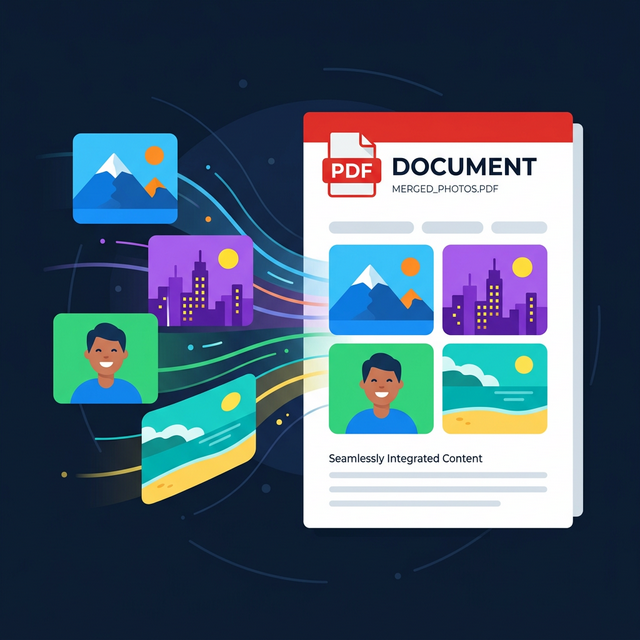
Organizing dozens of scattered digital photos often creates tremendous friction when users try to email a cohesive project portfolio, legal evidence package, or expense report to a third party. This chaotic file management problem occurs because standard smartphones export every single snapped receipt or document page as an isolated, independent JPEG file, resulting in an unmanageable folder full of disconnected assets. Solving this file fragmentation problem permanently matters because combining those individual photos into one singular, universally compatible document container ensures that your recipient views every item in the precise chronological sequence you intended, without missing attachments. Let us organize your photos efficiently.
Quick Solution
If you want to solve this problem instantly, you can use our free Images to PDF tool.
Steps:
- Upload your files
- Adjust the settings if needed
- Download the result
Why This Problem Happens
Digital cameras and mobile devices are brilliantly optimized for capturing singular moments in time. Consequently, their default operating system behavior is to save every click of the shutter as a completely distinct raster graphic file—usually a JPEG or HEIC. While this makes perfect sense for a family vacation album where each photo stands alone, it creates severe logistical nightmares in a professional business context.
When a contractor takes photographs of twenty different roofing repair issues on a job site, they cannot professionally email twenty separate massive attachments to the homeowner. Email clients will scramble the order of the attachments, and the homeowner will struggle to match the photos to the invoice. The solution is creating a structural digital wrapper that actively binds multiple visual assets together into one locked chronological sequence. If the underlying photos are enormous, you can always utilize our Image Compressor before starting the compilation process.
Common Situations Where This Is Needed
Consolidating loose image files into a structured master digital packet is an essential organizational skill for students, corporate accountants, and creative professionals alike. Let’s review where this exact technique saves the most time.
Submitting Monthly Expense Reports: Traveling executives inevitably acquire small mountains of physical crumpled taxicab receipts, hotel invoices, and restaurant bills. While taking a snapshot of each physical paper with a smartphone is easy, corporate finance departments absolutely demand a single, streamlined digital file for audit logging. Converting all twenty receipt photographs into a single unified report guarantees swift financial reimbursement.
Building Art Portfolios: Graphic designers and traditional illustrators often maintain massive folders consisting of isolated high-resolution PNGs of their best artwork. When applying for a highly competitive agency role, sending a messy zip file of twenty scattered images looks distinctly unprofessional. By fusing these assets into one curated presentation book, the artist dictates exactly how the reviewer proceeds through the visual story.
Scanning Old Family Books: When digitally preserving fragile historical family diaries using a flatbed photo scanner, each page is output as a distinct independent scan. Converting and binding these hundreds of sequential JPEG photographs into a final virtual book file makes it dramatically easier to share the legacy with relatives globally. If those relatives ever need to shrink the huge book to send to others, they can easily employ the Compress PDF utility.
Benefits of Using Browser-Based Tools
Completing this digital binding process directly within your internet browser entirely eliminates the steep learning curve traditionally associated with master page layout software like Adobe InDesign or Microsoft Publisher. You do not need to understand complex printing margins, master slide templates, or heavy bleeding edges. A dedicated web tool instantly mathematically aligns your photos onto uniform virtual pages, processing the heavy compilation locally on your device's motherboard for uncompromising privacy.
Step-by-Step Guide
Step 1 – Open the tool
Step 2 – Upload your files
Step 3 – Adjust settings if needed
Step 4 – Download the result
Frequently Asked Questions
How do I combine multiple photos into one document?
You can seamlessly drag and drop all your individual photo files into a browser-based converter tool, visually rearrange their specific chronological order on screen, and instantly generate one unified presentation file directly to your download folder.
Will the final document maintain my original photo quality?
Yes, standard conversion utilities simply embed the raw visual image data unchanged directly inside the new digital wrapper. Your photographs will strictly retain their exact original crisp resolution and deep structural color profiles.
Can I rearrange the page order after uploading the images?
Absolutely. Modern graphical web interfaces provide interactive thumbnail grids. You can easily click and drag any specific photo to a new position in the sequence before firmly committing to the final structural conversion process.
Is there a strict limit to how many photos I can include?
While local processing limits vary based entirely on your computer's available random access memory, most robust tools can easily comfortably handle compiling fifty to one hundred high-resolution photographs efficiently into one single comprehensive file.