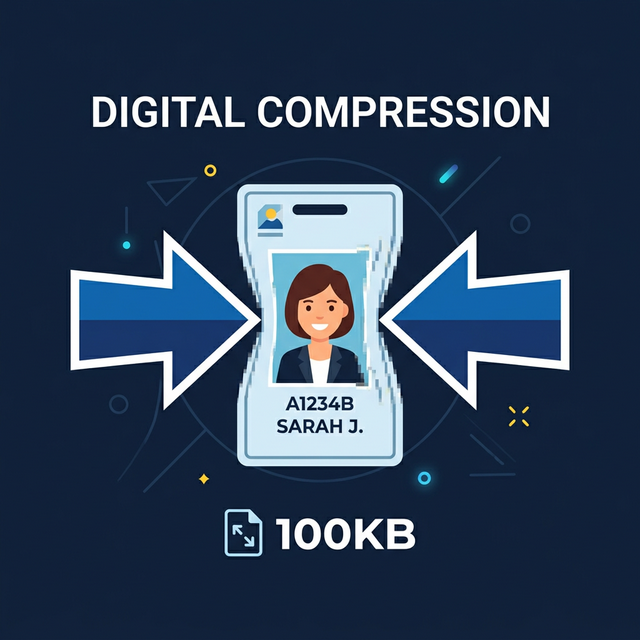
If you've ever tried to upload a photo ID, a scanned document, or a profile picture to a government website, job application portal, or university admission system, you've likely encountered the dreaded "File exceeds 1MB" error.
Modern smartphones and digital cameras take incredible high-resolution photos, but those photos come with a massive digital footprint—often ranging from 3MB up to 10MB per image. When legacy web portals demand file sizes completely under 1MB (or 1000KB), it can bring your application process to an immediate standstill. Fortunately, shrinking your image down to this exact size is fast, free, and incredibly easy.
Why Are Images So Large?
When your phone camera captures a photo, it records millions of tiny visual details (pixels) to ensure the image looks crisp when printed or zoomed in. Most modern cameras default to a conservative compression format that preserves excessive detail you realistically cannot even see with the naked eye. To get an image under 1MB, we simply have to strip away that invisible data without hurting the overall visual perception of the image.
The Best Way to Shrink Your Photo to Less Than 1MB
Instead of randomly guessing compression slider percentages in advanced photo editing software like Photoshop, you can use our Image Target KB Compressor.
This tool is specifically designed to hit an exact numeric target. Here is the step-by-step process:
- Open the Tool: Navigate to the Image KB Compressor.
- Upload Your Master Photo: Drag and drop your bloated 5MB+ image into the dropzone.
- Set Your Exact Target: Since your strict limit is 1MB, we recommend giving yourself a tiny safety buffer. Type 950 into the "Target Size (KB)" input box.
- Compress: The system will algorithmically degrade the file density strictly until the image weighs exactly 950KB or less.
- Download: Save your newly compressed file and successfully pass the portal upload limit.
What If My Image Formatting Is Wrong?
Sometimes portals don't just enforce strict file sizes—they also enforce strict file formats. If you take a photo with a relatively modern iPhone, it might be saved as a high-efficiency `.HEIC` file, or you might have a high-quality `.PNG`. These portals almost universally expect standard `.JPG` or `.JPEG` files.
If an upload error mentions an invalid format along with a size limit, you should first run your image through our Convert to JPG tool, and then run that resulting JPG through the Image KB Compressor.
Is My Personal ID Safe?
When compressing highly sensitive documents like a Driver's License or Passport scan, privacy is critical. Unlike traditional online converters that upload your personal documents to anonymous third-party cloud servers, all of our tools—including the Image KB Compressor—run 100% locally inside your web browser.
Your image bytes never leave your physical device and are never stored on any server. You can literally disconnect your Wi-Fi, run the compression, and it will still perfectly process your file.
Related Free Tools
Comments
Loading comments…